
How to Show Margins on Canva Mobile App (And Stop Losing Your Designs)
Your design looks flawless on your phone. Then you download it, post it, or print it and the headline is chopped in half. Margins are … Read more

 Miroslav Novohradsky
Your design looks flawless on your phone. Then you download it, post it, or print it and the headline is chopped in half. Margins are … Read more

When you drop a black logo on a dark background, it vanishes like a ghost. You squint, zoom in, and wonder if you even added … Read more

Have you ever found a Canva file you’d been hunting for, only to think, “Wait… where did I actually save this thing?” It happens to … Read more
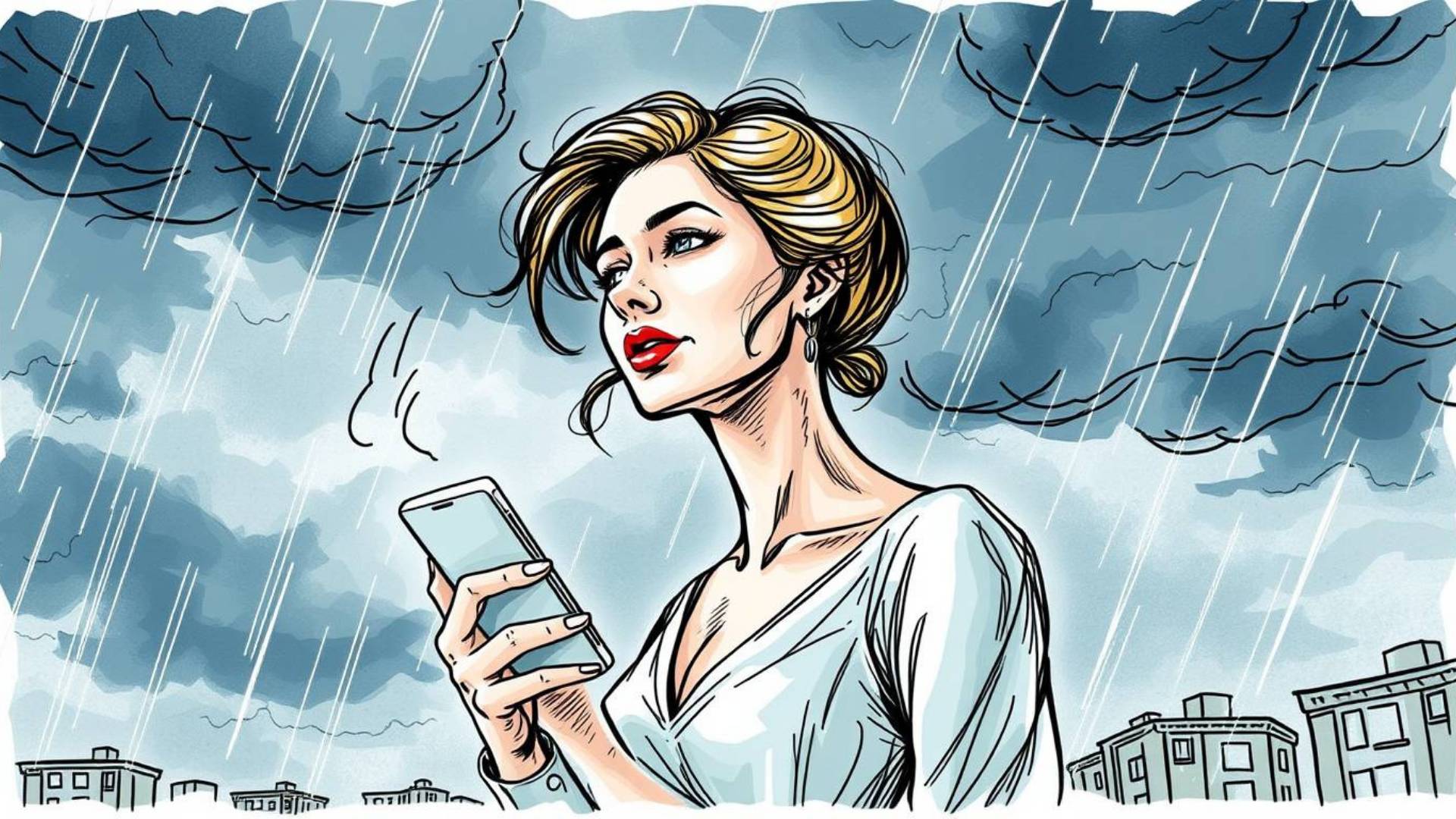
Designing on Canva’s mobile app can feel a little tricky at first. You’ve got a smaller screen, less space to tap, and sometimes it’s easy … Read more
Ever scrolled past a stunning Instagram post where the text sits perfectly behind someone’s head or a product? It looks like something only a Photoshop … Read more
Ever uploaded your black PNG logo to a t-shirt mockup and thought: “Where did my design go?” Yeah… it just vanishes into the black fabric. … Read more