Digital Product Listing Photos: The trick that sells digital files
The trick is to split the work between two photos.
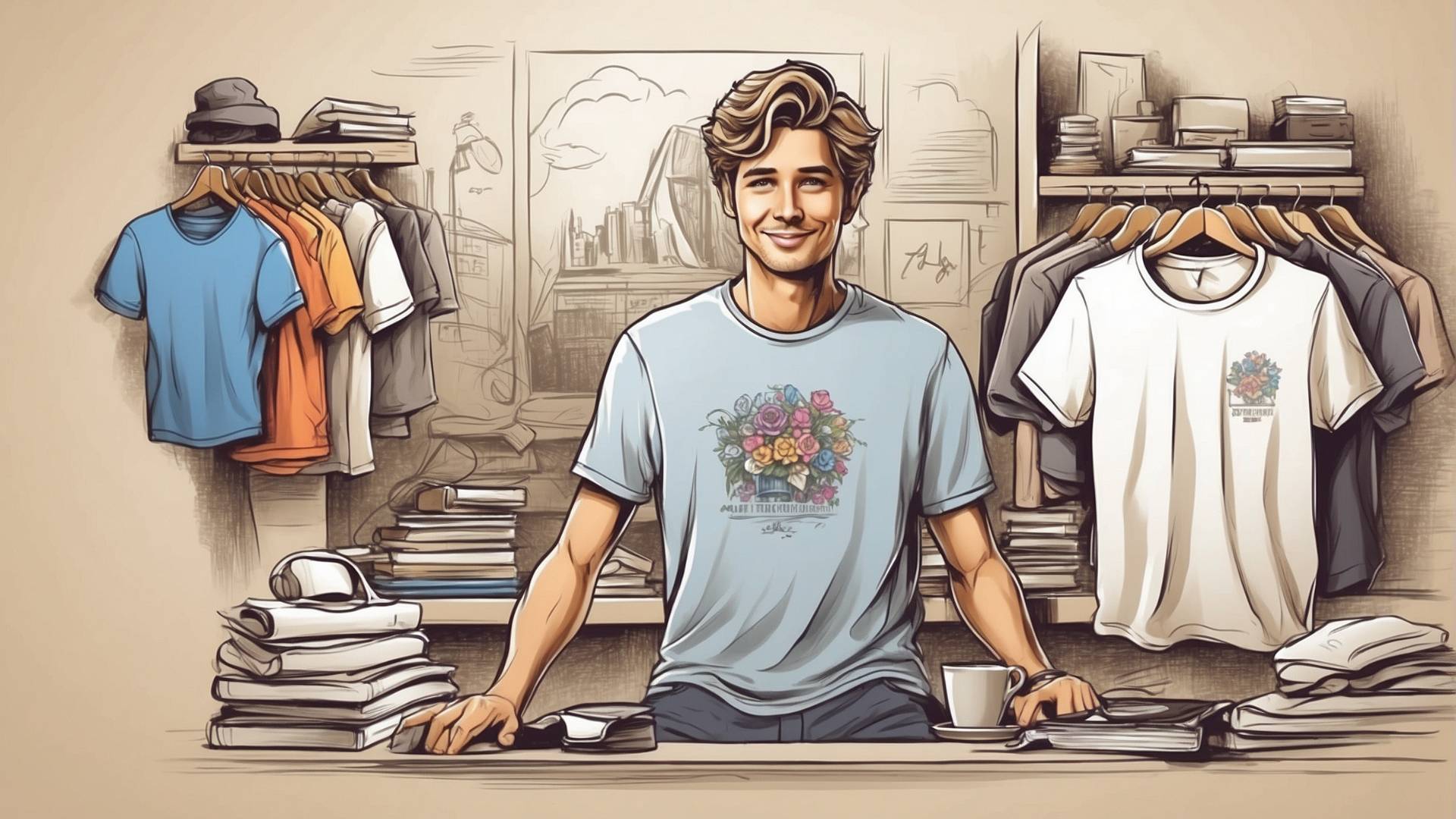
Photo one shows the file already in use, at its real size, centered so Etsy’s thumbnail crop can’t cut it.
Photo two shows exactly what downloads, with every page laid flat next to the file details and a plain line telling buyers nothing ships.
Most digital listings cram both jobs into one busy collage and lose on both.
If your download includes printables, run the files through the image DPI checker first, so the sizes you promise in photo two actually print sharp.
Key takeaways
- Your first photo earns the click and your later photos earn the sale, so give each one a single job.
- In a 4:3 listing photo, keep everything that sells inside the middle 75% of the width. That central square is the only area every thumbnail crop keeps.
- Text on your first photo shrinks to almost nothing in search results. Use three words or fewer, or none.
- A what-you-get photo in slot two answers the questions that otherwise turn into refund requests.
- Buyers can’t download files in the Etsy app, so a how-to-download photo saves you a stream of where-is-my-file messages.
Why One Photo Can’t Do Both Jobs
Etsy’s seller handbook splits the jobs this way: the first image wins the click from search, and the photos after it win the sale. The same article advises against text overlays and collages in the first thumbnail.
Digital sellers break that rule all the time. Scroll any search for printable planners and you’ll find first photos stuffed with 12 tiny pages, a banner reading 50 pages included, three color swatches and a sale badge. At thumbnail size that collapses into noise.
Move every fact out of photo one and into photo two. Photo one only has to make someone want the thing on their wall or their desk.
Photo One: The outcome, cropped for the thumbnail
Photo one shows the finished result in a real setting, placed so it survives every crop. Etsy’s image requirements ask for a first photo that is horizontal or square, at least 635 pixels on each side, and ideally 2000 pixels or more.
Etsy also crops that one photo into different shapes depending on where a shopper sees it, and the crop math tells you how much room you have.
Worked example: take a 4:3 mockup of an A4 planner page, built at 2667 by 2000 pixels.
- The square crop keeps the central 2000 by 2000 pixels. That is 75% of the photo’s width, so about 333 pixels disappear from each side.
- Size the planner page to about 85% of the photo’s height: 1700 pixels tall. An A4 page is about 1.41 times taller than it is wide, so it comes out roughly 1200 pixels wide.
- A 1200-pixel-wide page sits inside a 2000-pixel square with about 400 pixels to spare on each side. Every crop keeps the whole page, plus enough desk around it to look like a real scene.
A US Letter page at the same height comes out about 1310 pixels wide, which still fits. So for any page size, keep everything that sells inside the middle three quarters of a 4:3 photo.
Text size is the other half of photo one.
A search-grid thumbnail is only a few hundred pixels wide
If your 2667-pixel photo shows at around 340 pixels, everything shrinks to about one eighth. A 60-pixel heading on your mockup ends up around 8 pixels tall, which nobody can read.
If you want words on photo one, keep them to three or fewer and make them huge, or leave them out and let photo two do the talking.

Photo Two: The receipt
Photo two is a plain, readable inventory of the download. A buyer of a digital file can’t hold it, and Etsy shows on every digital listing that the item can’t be returned or canceled. Buyers who can’t tell what they’ll get tend to scroll on, and this photo tells them.
Put these on it, in large type on a clean background:
- every page or design as a small flat preview (tilted mockups are hard to read at this size)
- the number of files and their formats, for example 1 PDF and 1 editable .docx
- the sizes, for example A4 and US Letter
- what the buyer needs to open or edit it, such as Word, Google Docs or Canva
- one line stating this is a digital download and nothing will be shipped
People who expected a printed planner in the mail are a big source of the refund requests covered in why people keep asking for refunds on Etsy.
For big bundles, don’t shrink 60 pages into one grid. Show 12 of the best pages with a line reading plus 48 more pages, then use a later slot for a full page list in text.
Photo Three: How to get the file
Photo three tells buyers to download from a browser, because the Etsy app can’t do it. Etsy’s help center states that digital purchases can’t be downloaded through the app, and that buyers need to sign in on a mobile browser or a computer. Sellers in the Etsy community forums describe answering this question daily.
A simple three-step graphic does the job: open Etsy in your browser, go to Purchases, tap Download Files. It costs you one of the 20 photo slots and saves you a message per confused buyer.
Mistakes that cost digital sellers the click
- Using the collage as photo one. It reads as clutter at thumbnail size and goes against Etsy’s first-photo advice. Move the collage to slot two and turn it into the receipt.
- Building the first mockup in portrait. A tall phone-friendly mockup looks great in Canva and loses its top and bottom in the square crop. Build at 4:3 or square from the start.
- Showing a size you don’t sell. An A5 planner placed on a desk at A4 scale looks generous in the mockup and disappointing on arrival. Match the mockup scale to the file.
- Styling in a frame the buyer doesn’t get. If your wall art mockup shows an oak frame, add a line on photo two stating the frame is not included.
- Letting a watermark cover the product. Etsy allows watermarks, but a big diagonal one hides the very thing you’re selling. Our guide on watermarking Etsy photos covers lighter options.
Edge Cases The Standard Advice Skips
Products edited on screen get a screen in photo one. An editable cover letter or resignation letter template sells best open on a laptop with sample text filled in, because the buyer is paying to edit it.
Printables get paper in use. A printable chore chart belongs on a fridge with a magnet, and a planner page belongs on a desk with a pen across it.
Cut files such as SVGs need the finished craft in photo one, like a shirt or a decal on a window, while photo two shows the design flat with its layers listed.
Wall art sold in several sizes works best when photo one shows one size against a sofa or bed so the buyer gets a sense of scale, and photo two lists every ratio included. The wall art print sizes chart helps you check which frame sizes each ratio covers.
If you only have time for one new photo, make it the receipt. A strong first photo with no receipt still gets clicks that don’t convert.
How We Worked This Out
The photo rules come from Etsy’s help center and seller handbook, linked above. The crop math assumes a 4:3 photo at 2667 by 2000 pixels and a square crop centered on it.
Etsy doesn’t publish the exact shape of every crop, so treat the 75% rule as a safe zone with some margin built in, and check your listing in search on both phone and desktop after you publish.
FAQ
What should the first photo of a digital download on Etsy show?
It should show the file already in use, such as a printed planner on a desk or wall art in a room. Keep the product in the middle of the photo with space around it. Leave file counts and formats for the second photo.
Should I put text on my Etsy listing photos for digital products?
Keep text off the first photo or limit it to three large words, because it shrinks too far to read in search. Text works well from the second photo on, where buyers open the listing and look at a full-size image.
What size should Etsy mockups be?
Build them at least 2000 pixels on the shortest side, in 4:3 or square. Etsy recommends 2000 pixels, and your first photo must be at least 635 pixels on each side. Pixels are what count for listing photos, so the DPI setting of a mockup makes no difference on screen.
How many photos should a digital product listing have?
Etsy allows up to 20. Five or six photos with clear jobs (outcome, receipt, close-up, how to download, variations) do more than 20 near-identical mockups.
Do I need to mention it’s a digital download in the photos?
Yes, put it on photo two in plain words. The listing already marks the item as digital, but many buyers skim photos and skip the details, and a clear line in a photo catches them before they order.
Why can’t my buyers find their downloaded file?
Most likely they’re using the Etsy app, which doesn’t allow digital downloads. Tell them to sign in to Etsy in a phone browser or on a computer, go to Purchases and select Download Files.
What to do next
Open your best-selling digital listing and check photo one against the 75% square, then add a receipt photo in slot two if it’s missing.
Before you list the sizes on that receipt, confirm your files hold up in print with the image DPI checker. For more ways to lift sales once the photos are fixed, read how to boost digital product sales on Etsy.